Online Safety

Enjoy Games, Stay Safe and Respect Others Online

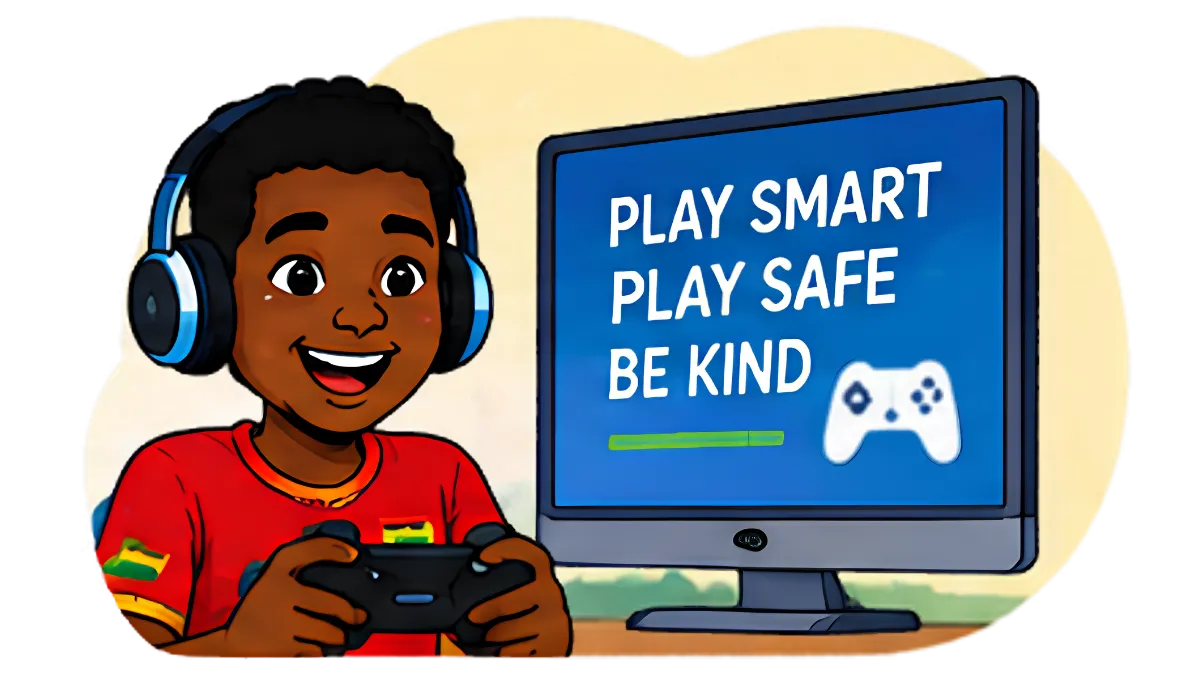
Games like Free Fire, PUBG Mobile, Roblox, Minecraft and EA Sports FC are a big part of young people’s lives. They can build friendships, teamwork and creativity. Knowing the risks helps players enjoy them safely.

image 8904 (8)

WHY IT MATTERS

Most online games let players chat with strangers by text or voice. Offenders sometimes use games to build trust with children, then move the conversation to private apps. Players can also face bullying and abusive language, scams involving in-game items and accounts, and pressure to spend money on skins, coins and loot boxes.

Age ratings such as PEGI and ESRB, shown in app stores, are a useful guide to whether a game suits a child’s age.

Tips

For young people

  • Use a nickname that doesn’t reveal your real name, age or location.
  • Be careful with players who offer free gifts, coins or skins, or who want to chat privately on another app.
  • Never share your account login or pay for “cheats” or free items. These are usually scams.
  • Treat other players with respect. Mute, block and report anyone who is abusive.
  • Tell an adult you trust if anyone asks for photos, personal details or to meet up.

For parents & guardians

  • Check a game’s age rating, and play it with your child to see how it works.
  • Turn off or limit chat with strangers in the game’s settings.
  • Set up spending controls so in-game purchases need your approval.
  • Agree how long and when your child can play.

For teachers

  • Use gaming as a way into conversations about online friendships, respect and scams.
  • Watch for signs that a learner is being bullied or pressured through games.

Need help?

  • Call the CyberClinic Helpline on 267, or report online.
  • If someone is in immediate danger, call the Police on 191 or emergency services on 112 straight away.